
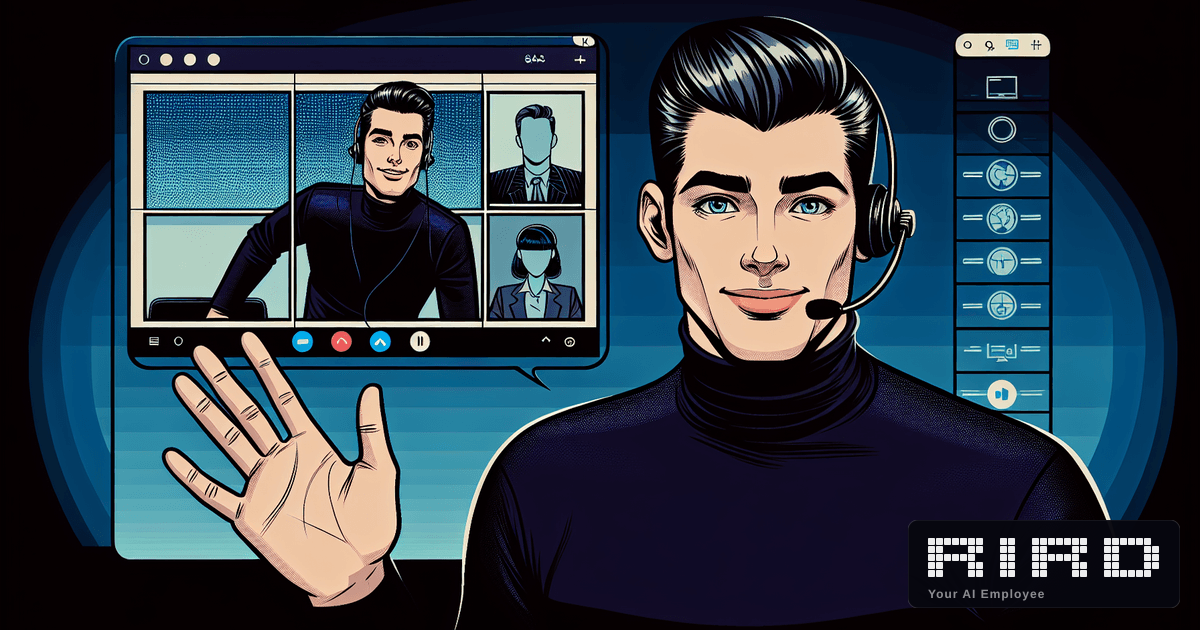
We shipped something that made even us do a double take. Your AI agent can now join your Zoom, Google Meet, and Microsoft Teams meetings -- on camera, with a face, ready to talk. It gives your standup update. It answers follow-up questions from the team. It takes notes the whole time. After the call, it sends you a transcript, a summary, and a list of action items. You do not need to be there.
Wait, It Actually Shows Up on Camera?
Yes. Your AI agent appears in the participant list with a visible avatar. It is not a phone dial-in hiding in the corner. It is not a bot that silently records. It joins the call the way a human would -- camera on, name visible, ready to participate. It will disclose that it is an AI (because transparency matters), but the experience is indistinguishable from a real team member giving an update.
What Happens During the Call
- Your AI agent detects the meeting on your Google Calendar automatically.
- Before the call starts, it prepares a standup summary of everything it has been working on.
- It joins the meeting at the scheduled time -- camera on, mic ready.
- When it is time, it delivers the standup update in a natural speaking voice.
- Team members can ask follow-up questions and it responds in real time.
- After the meeting, it generates a full transcript, summary, and action items -- delivered wherever you want.
Why This Changes Everything
Meetings are the last frontier. Every other AI tool stops at the meeting room door. They can draft your emails, research your competitors, schedule your day -- but when the calendar notification pops up, you still have to show up and talk. Not anymore.
Think about the Monday standup you dread. The status update call where you repeat the same three bullet points. The vendor check-in that could have been an email. Now imagine your AI agent handles all of that while you focus on work that actually matters. Or sleep. We do not judge.
The Part Nobody Else Can Do
Other AI meeting tools record and summarize. That is table stakes. RIRD actually participates. It speaks. It answers. It has context from everything it has been doing -- the emails it sent, the research it completed, the tasks it finished. When someone in the meeting asks "what is the status on that competitor analysis?", your AI agent does not fumble. It gives a direct, informed answer because it did the work.
Join my Monday and Thursday standups. Give updates on what you completed, what is in progress, and any blockers. Answer questions. Send me the notes after.
Works Where You Already Meet
Zoom, Google Meet, Microsoft Teams. If your calendar has a meeting link, your AI agent knows how to join it. No plugins, no browser extensions, no IT requests. Connect your Google Calendar, enable meeting attendance in your settings, and it handles the rest.
After the Call
Every meeting gets a full transcript, a concise summary, and extracted action items. Delivered to your Slack, email, Telegram -- wherever your AI agent already talks to you. No more "can someone send the notes?" messages. No more forgotten follow-ups.
Try It This Week
If you are already using RIRD, go to Settings then Meetings and enable it. Connect your Google Calendar and upload an avatar photo. Your next meeting is covered. If you are not using RIRD yet -- this is a pretty good reason to start. Your AI agent does everything else too: research, email, scheduling, monitoring, code. Now it also shows up to your calls. From $49/week. The setup guide takes five minutes.
Join the discussion
Loading comments...